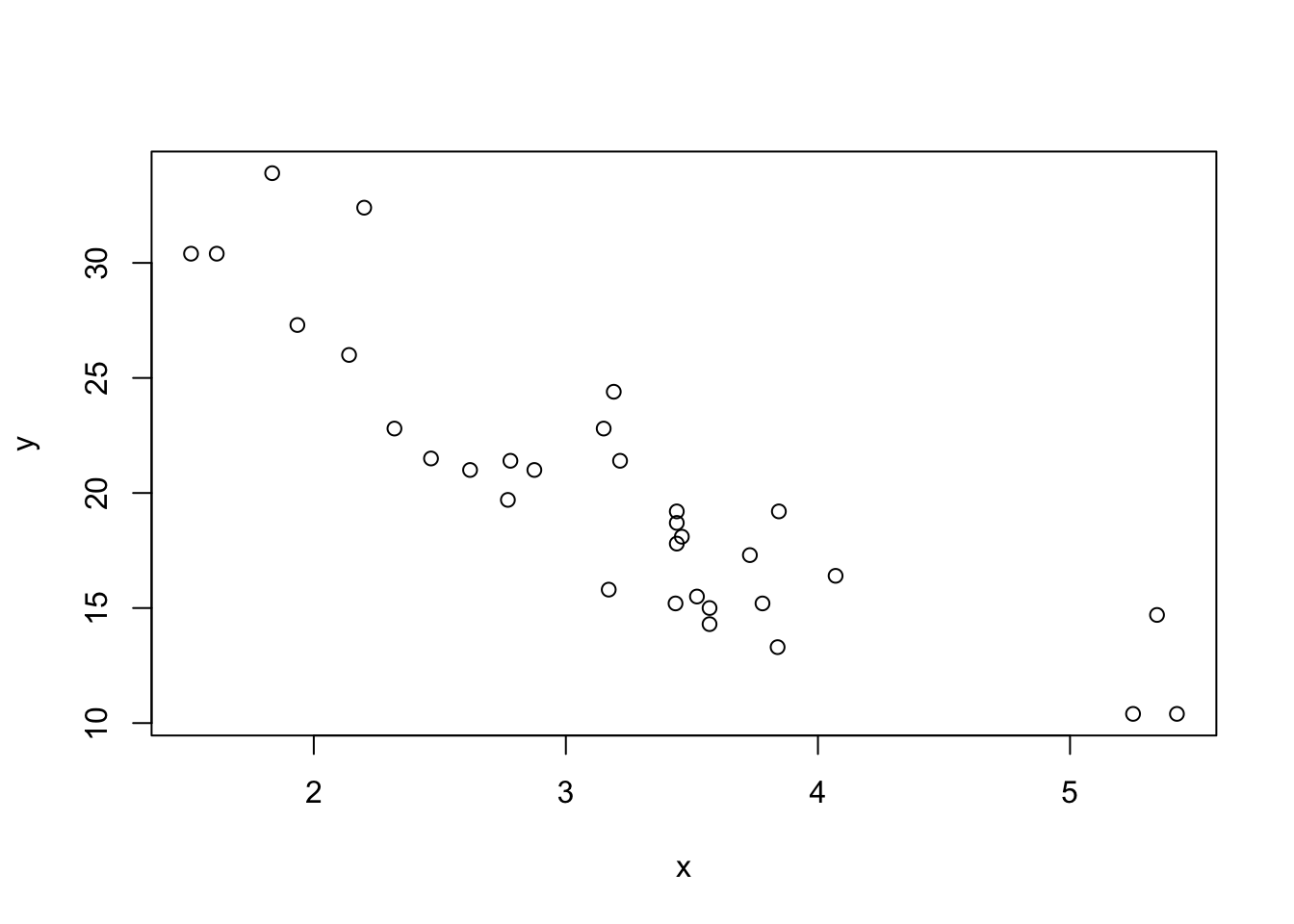
Update your function to check that the provided vectors:
are numeric;
are the same length.
If not, return an informative error message (Hint: Use stop("...")).
NoteSolution
plot_xy <-function(x, y) {if (length(x) !=length(y)) {stop("Vectors must have the same length") } elseif (!is.numeric(x) |!is.numeric(y)) {stop("Vectors must both be numeric") }plot(x, y)}
# Testing the functionplot_xy(1:10, letters) # Error: Vectors must both be numericplot_xy(1:26, letters) # Error: Vectors must both be numericplot_xy(1:26, rnorm(26)) # Success: Plots scatterplot
Fizz buzz
Fizz buzz is a word game to teach division. Players take turns to count incrementally, replacing any number divisible by three with the word “fizz”, and any number divisible by five with the word “buzz”, and any number divisible by both 3 and 5 with the word “fizzbuzz”.
Write a fizzbuzz() function, taking a single number as input. The logic of the function is as follows:
If the number is divisible by three, it returns “fizz”.
If it’s divisible by five it returns “buzz”.
If it’s divisible by three and five, it returns “fizzbuzz”.
Otherwise, it returns the number.
TipHint
You can use the modulo operator %% to check for divisibility. For example: